Keep making what you made in Publisher.
PubliFold opens your .pub files and works much like Publisher, with a familiar ribbon, menus and keyboard shortcuts.
Free for Windows 10 and Windows 11, 64-bit. Version 1.5.1.
Everything is where you left it
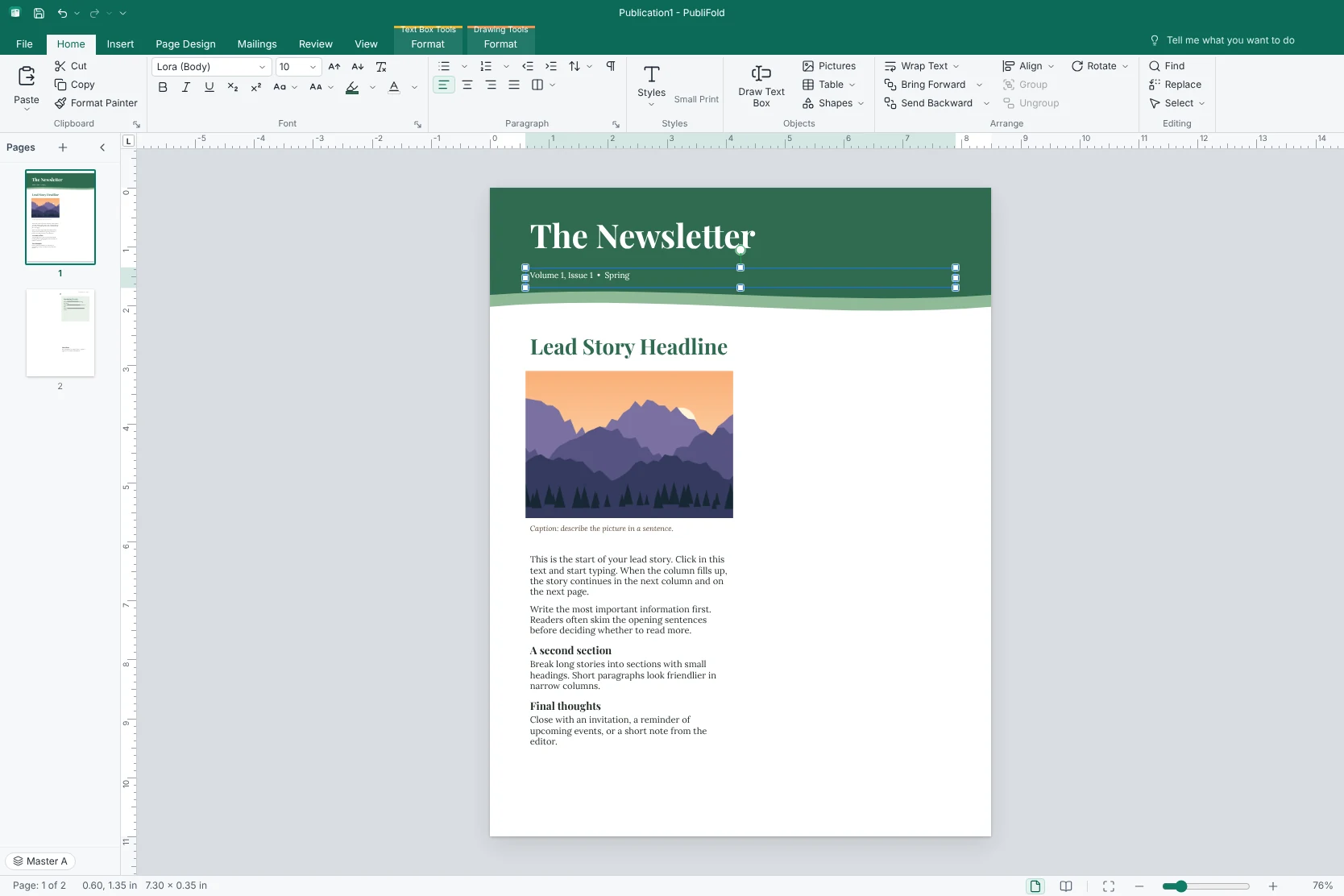
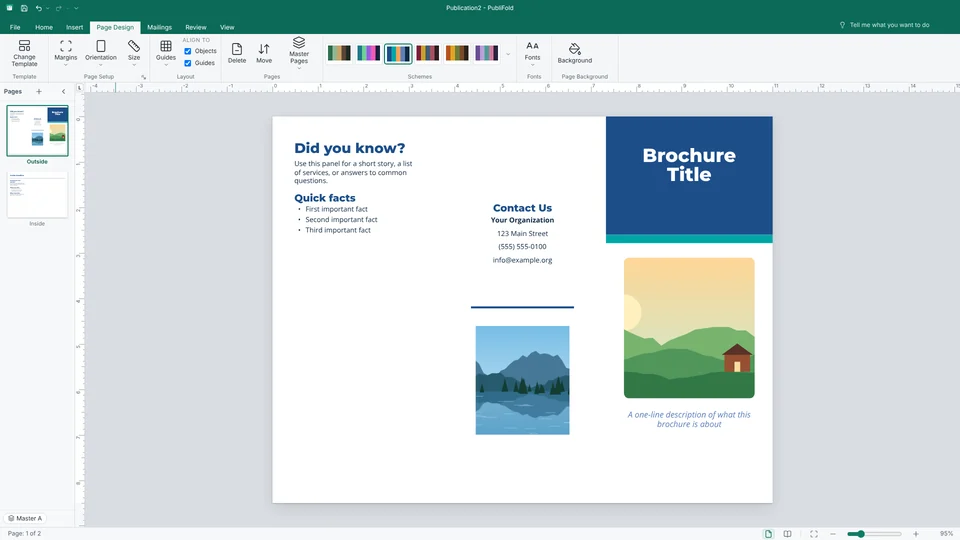
PubliFold’s ribbon is arranged like Publisher’s, with its tabs, groups and keyboard shortcuts in familiar places. If you knew where something was in Publisher, you’ll know where to look here. Choose a tab to see what’s on it.






Text Box Tools, Picture Tools, Drawing Tools and Table Tools appear when you select something, and the Mini Toolbar, KeyTips (press Alt) and Tell me are there too.
Your .pub files open in PubliFold
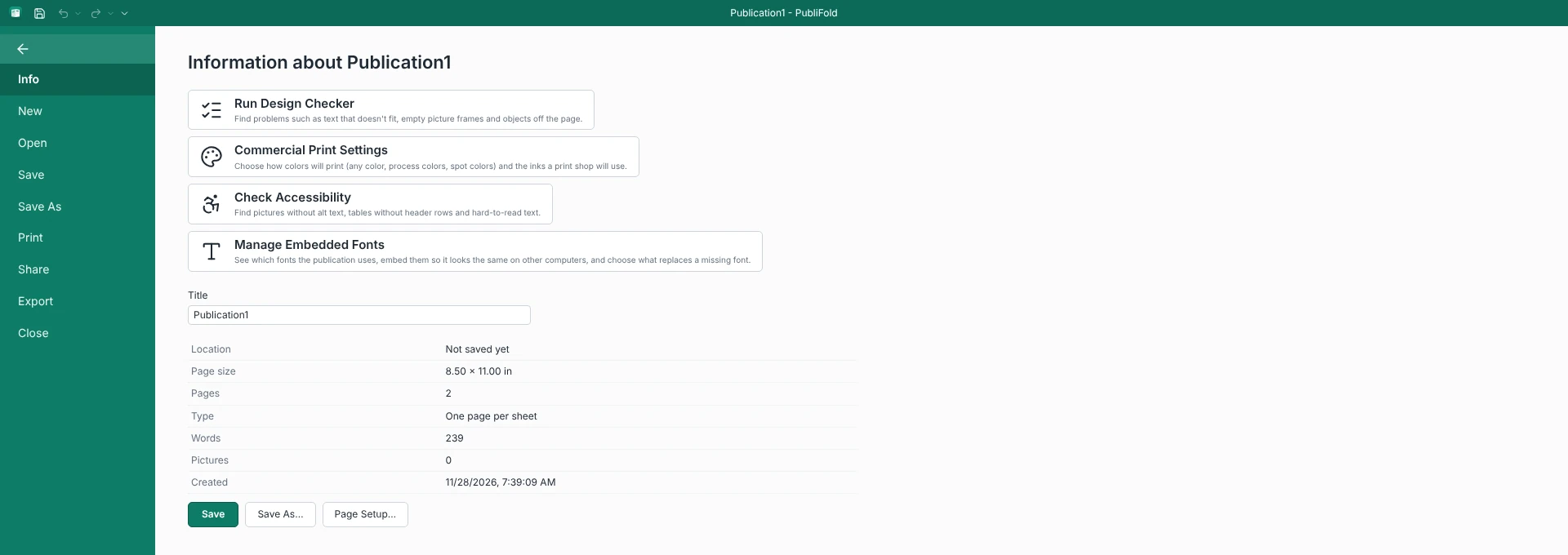
Choose File > Open and pick a Publisher file. PubliFold brings in its pages, text, pictures, shapes and the fonts embedded in it, then saves it as a PubliFold publication. Your original .pub file isn’t changed.
- Folded cards, booklets and spreads keep their pages
- Turned shapes, turned text and oval pictures come across
- Common Office fonts you don’t have are shown with built-in look-alikes, many of them the same width, so lines break where they did
Most publications come across closely. Some effects can look a little different, so look through each page after you open it.
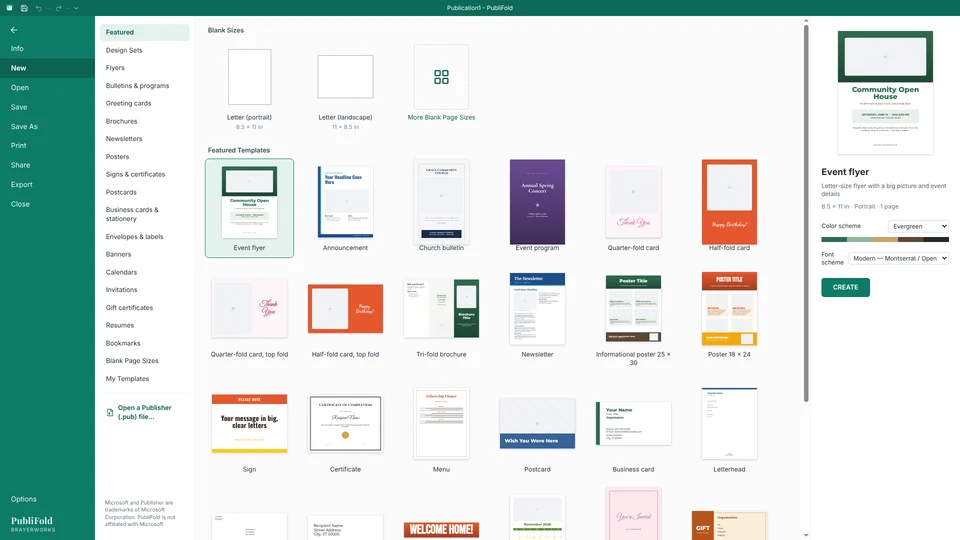
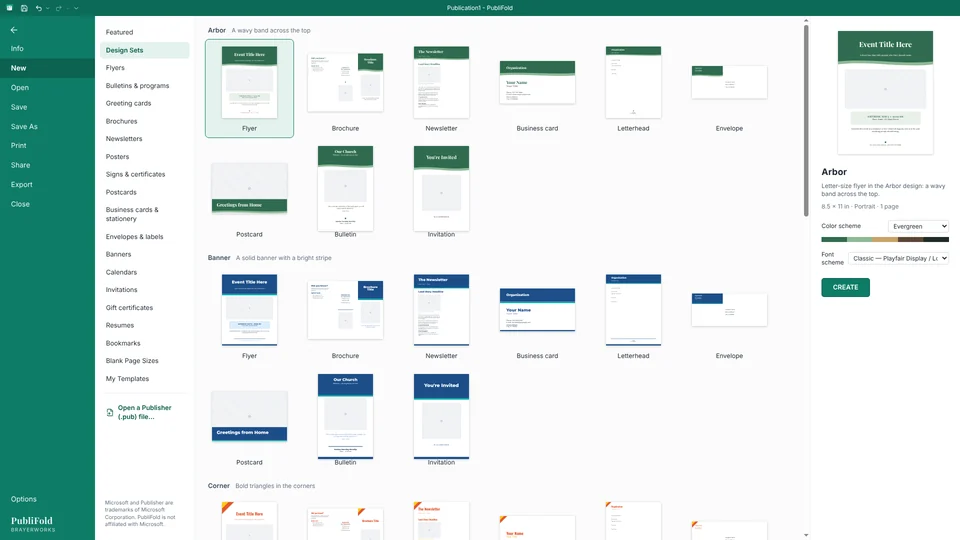
File > New, with familiar categories and Blank Sizes first.
Made for paper
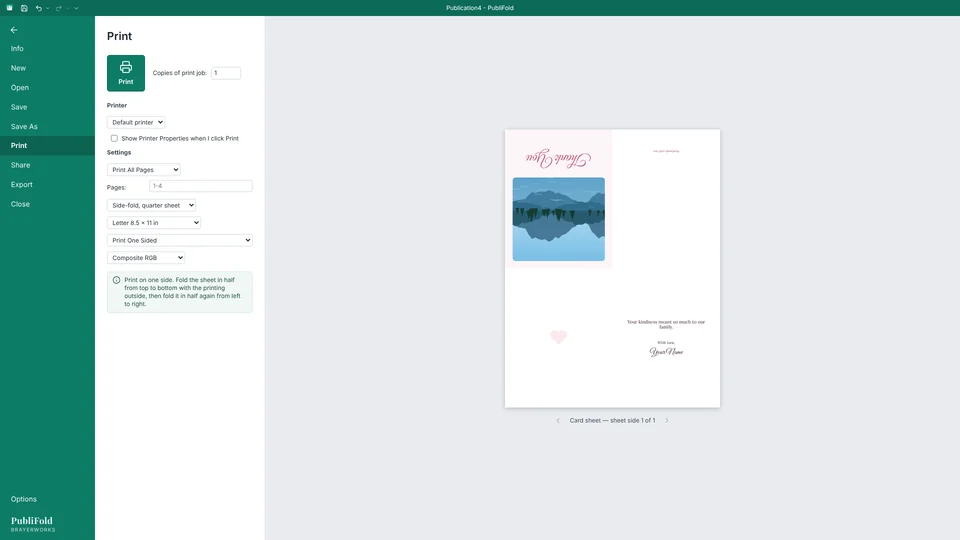
PubliFold knows how your publication folds. It puts each page where it belongs on the sheet, so a card or booklet comes out right the first time.
-
Half-fold cards
Greeting cards and invitations, side or top fold.
-
Quarter-fold cards
Four panels from one sheet, each printed the right way up.
-
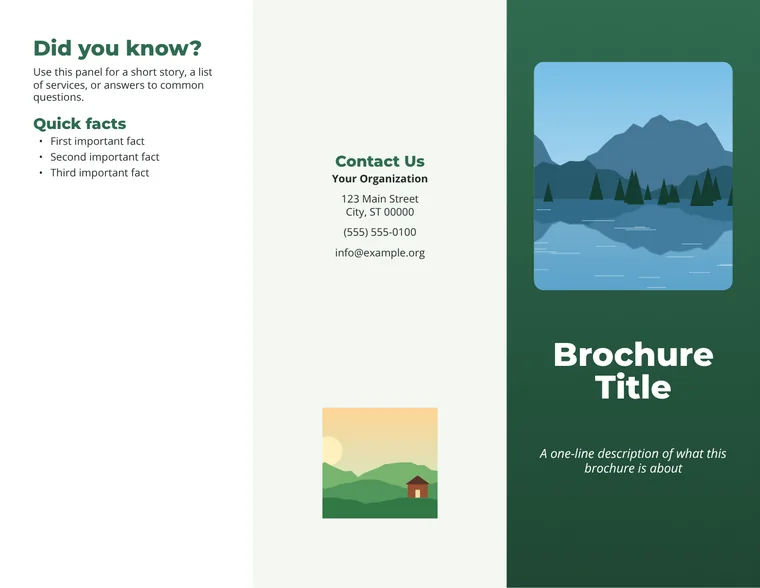
Tri-fold brochures
Three panels on each side of a letter sheet.
-
Booklets
Programs and bulletins, with the pages put in printing order.
-
Labels
Avery sheets by product number, with each label’s exact position.
-
Posters and banners
Tiled across several sheets, ready to trim and join.
Printing that matches the job
- Several cards or labels to a sheet, with crop marks
- Two-sided printing by hand, for printers that print one side
- PDF files for e-mail or a print shop, and pictures as PNG, JPEG or TIFF
- For a print shop: spot and process colors, printer’s marks, bleed, CMYK PDFs and separation proofs
Start from a design, or a blank page
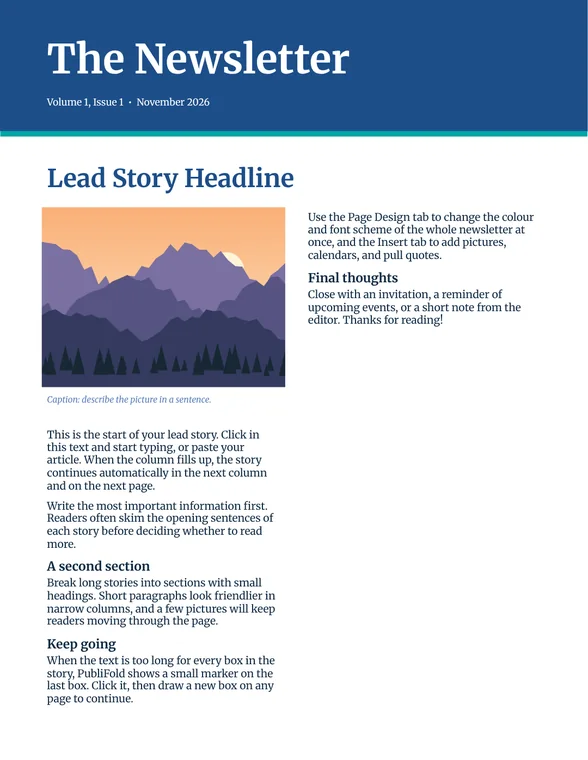
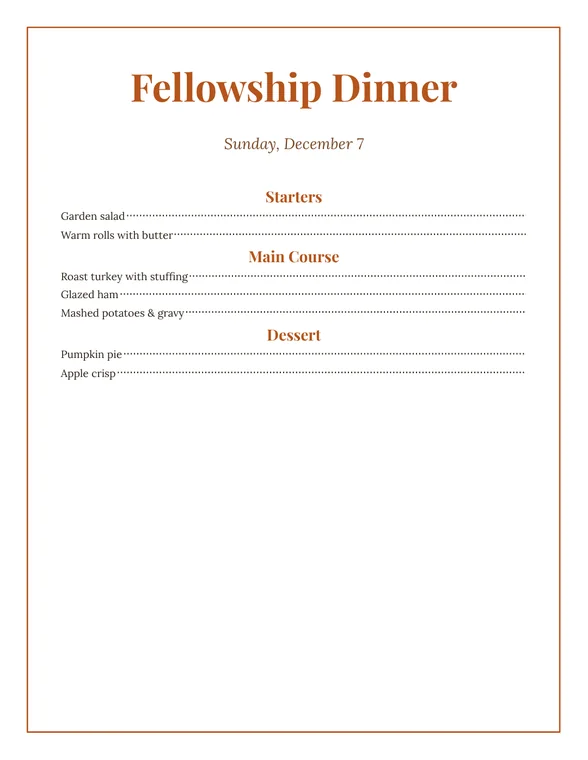
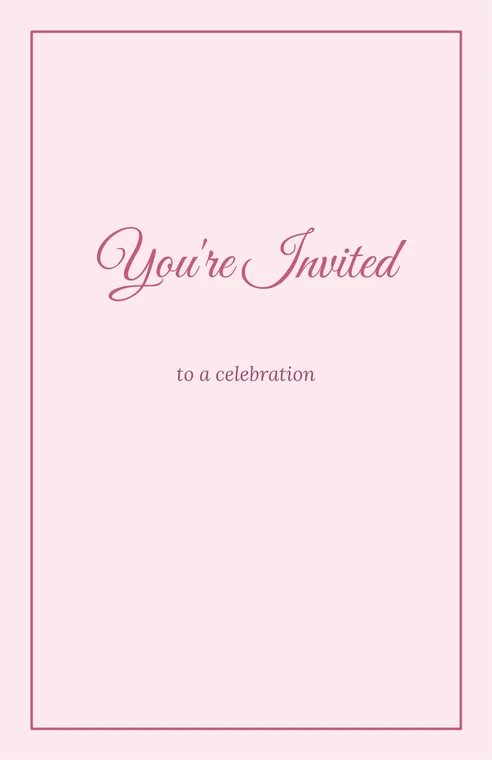
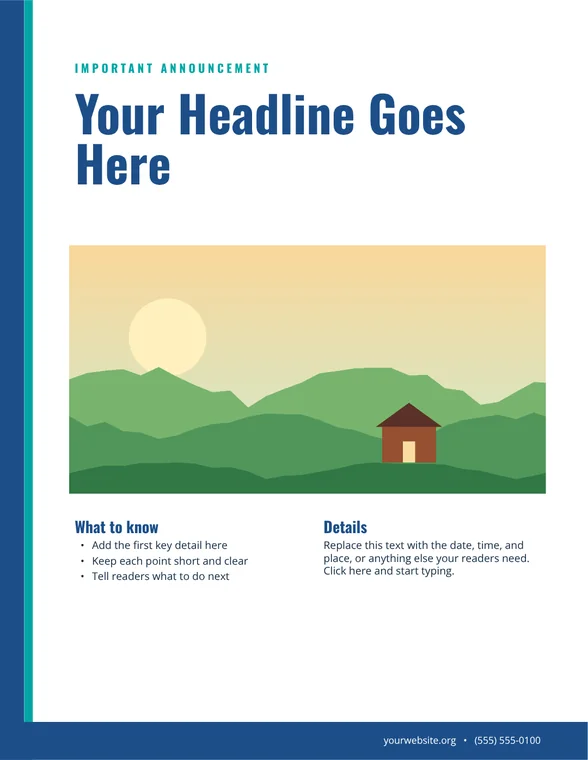
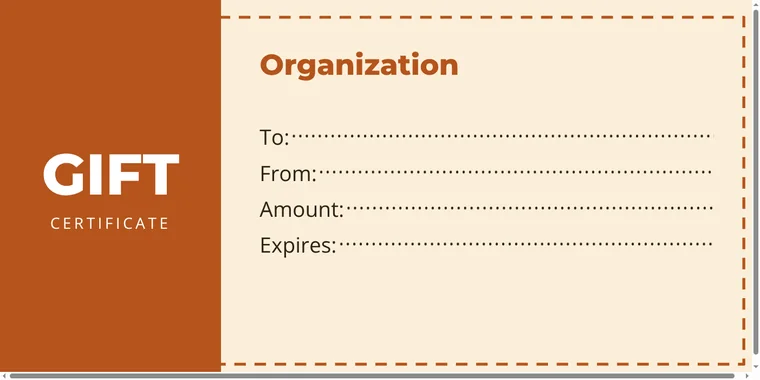
Templates for bulletins and programs, greeting cards, flyers, brochures, newsletters, posters, signs, certificates, menus, postcards, business cards, letterhead, envelopes, labels, banners, calendars, invitations and more. Six design sets give you a matching flyer, brochure, newsletter, business card, letterhead, envelope, postcard, bulletin and invitation.






On your computer, not in the cloud
No account, no subscription
Install it and start. There’s nothing to sign in to and nothing to renew.
Your files stay yours
Publications are saved where you choose on your computer, as .publifold files.
Works without the internet
Designing, spelling, the thesaurus, printing and the built-in Help all work offline.
Online only when you ask
Online Pictures and new Translate languages connect only when you use them. See the privacy policy.

Get PubliFold
Download it from this site today. It’s coming to the Microsoft Store soon.
Installer from this site
Free to download now. Windows may ask you to confirm before it runs, and the download page shows what to click.
Download PubliFoldMicrosoft Store
Coming soon. The Store will install PubliFold in one click and keep it up to date.
Coming soonNeeds Windows 10 (version 1809 or later) or Windows 11 on a 64-bit PC, and about 375 MB of disk space.